
If you have the Firm edition of the software, members of the firm may open the files of former members.
This includes former associates, ex-associates, partners who have left the firm, etc.
Here’s how:
In the File Manager, the person who wants to open the file should click “Case Files of Other Pro” (top right) and then check the box to include ex-associates. (That term is used generically and includes partners.)
The image below will illustrate:
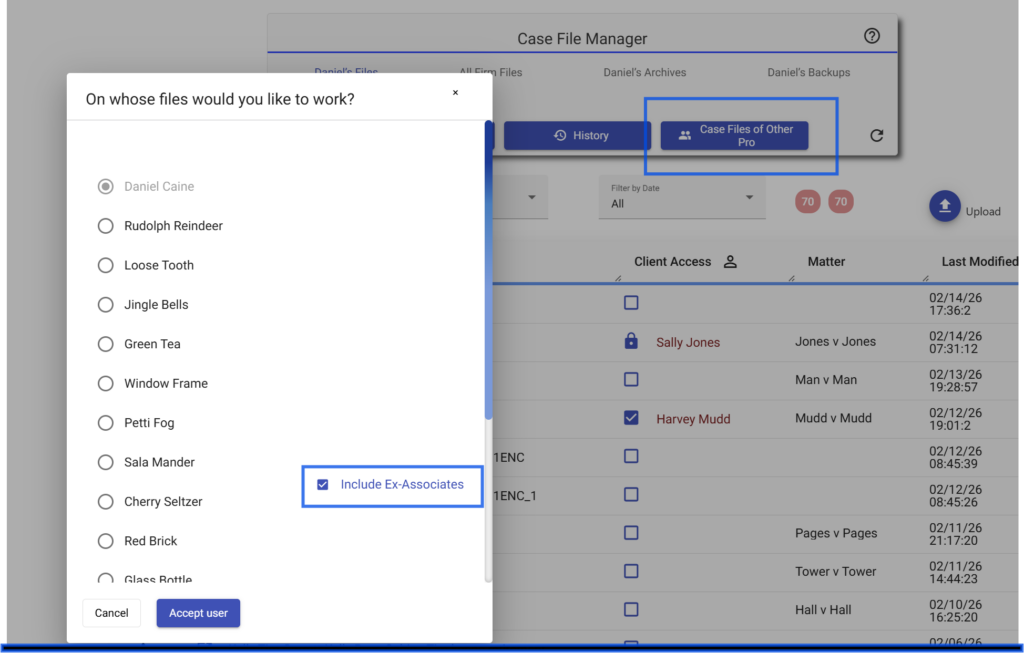
The list will then include former associates and you may open their files to view and edit.