In order to keep you informed, Family Law Software automatically generates a number of emails regarding client activity.
Here’s how you can control who receives emails and which emails are sent.
Who receives emails
When you first grant access to a file to the client, you specify at that time which individual or staff member should receive emails regarding client activity, as shown below.
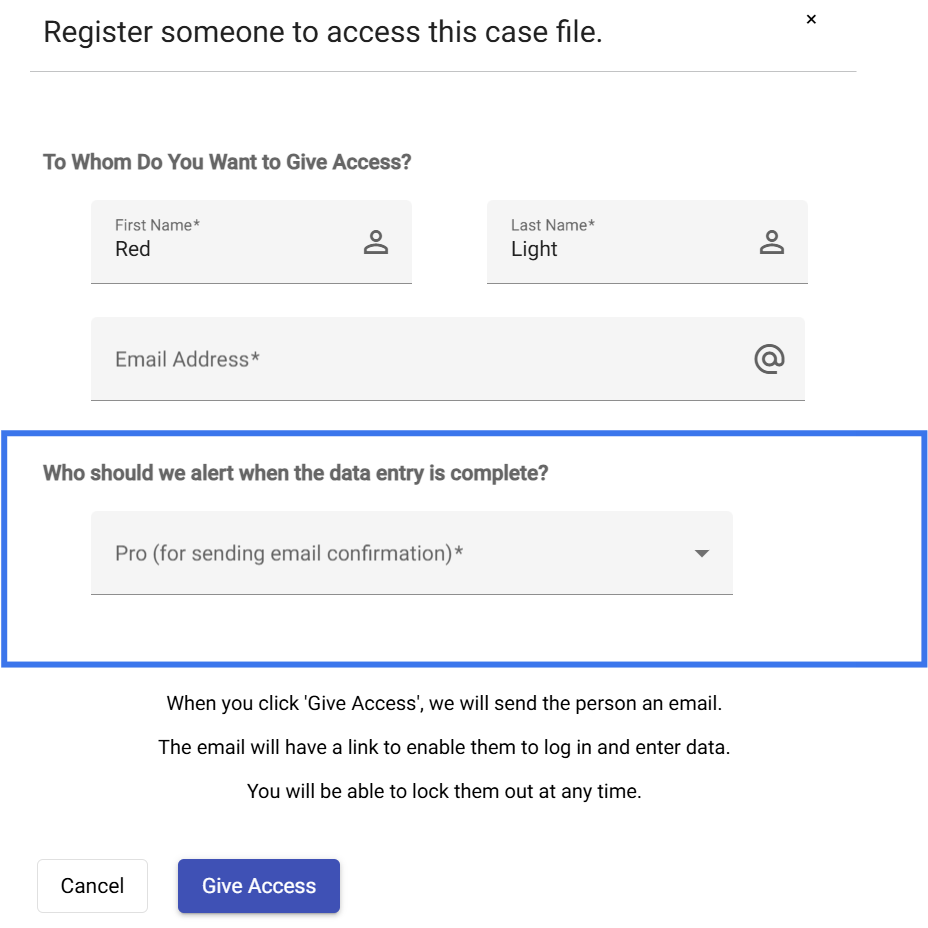
The person will receive all client related emails until you change that designation.
This FAQ explains how to change that designation.
Email when client logs in
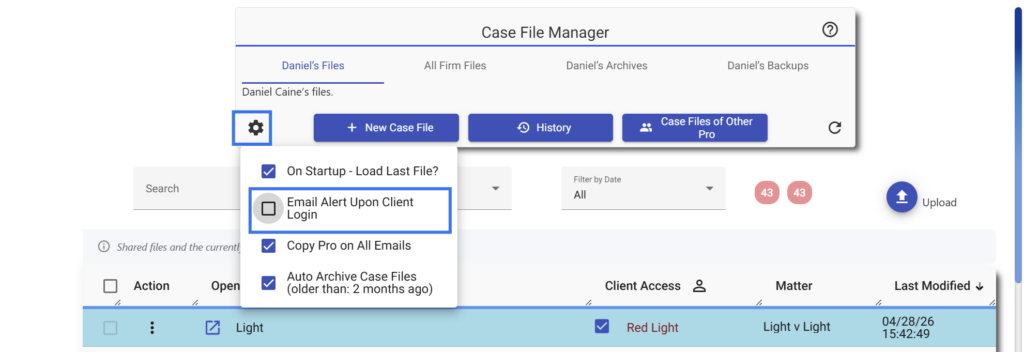
The software automatically generates an email when the client first logs in.
If you would like to not receive further emails, you can do that by specifying the settings shown below on the settings gear in the File Manager.
Email to professional
If you have the firm edition of the software, it is possible to specify that a staff member will receive the emails.
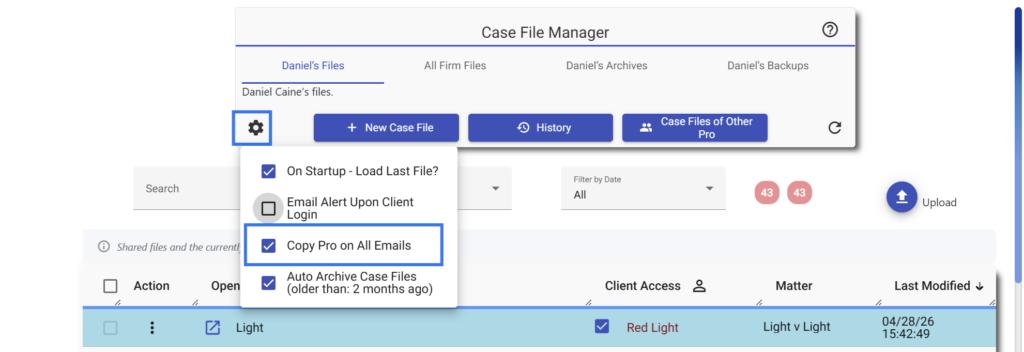
If you would like, you can also specify that the attorney or financial professional who is in charge of the case will receive the emails as well.
On the settings gear in File Manager, select the option to Copy Pro on All Emails, as shown below.