This note will address questions people ask about Florida step-downs:
- Setting the dates
- Viewing the step-downs
- Printing the step-downs
Setting the dates
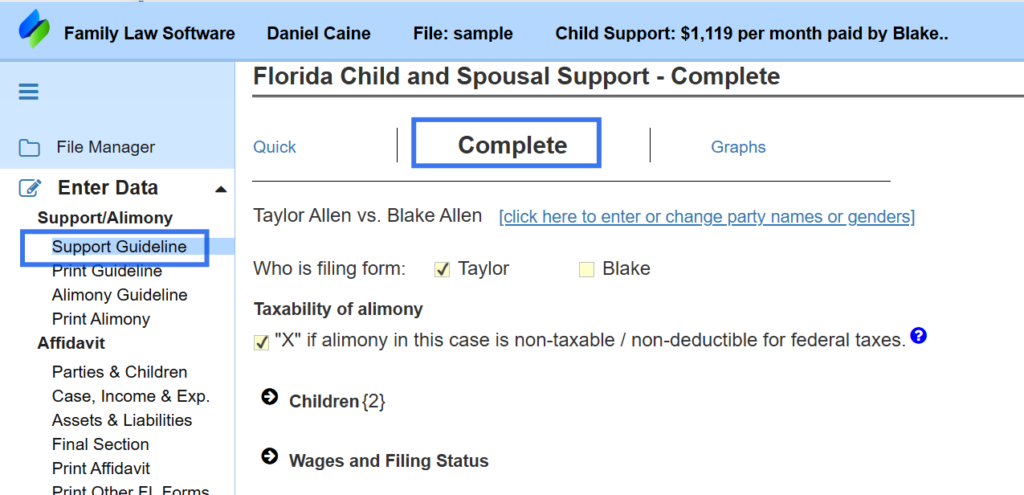
To set the dates, begin by clicking the “Complete” link at the top of the screen, as shown below.
Scroll down to the section labeled “Child Support to Use in the Budget Report, What If screens and cash flow projections,” as shown below.
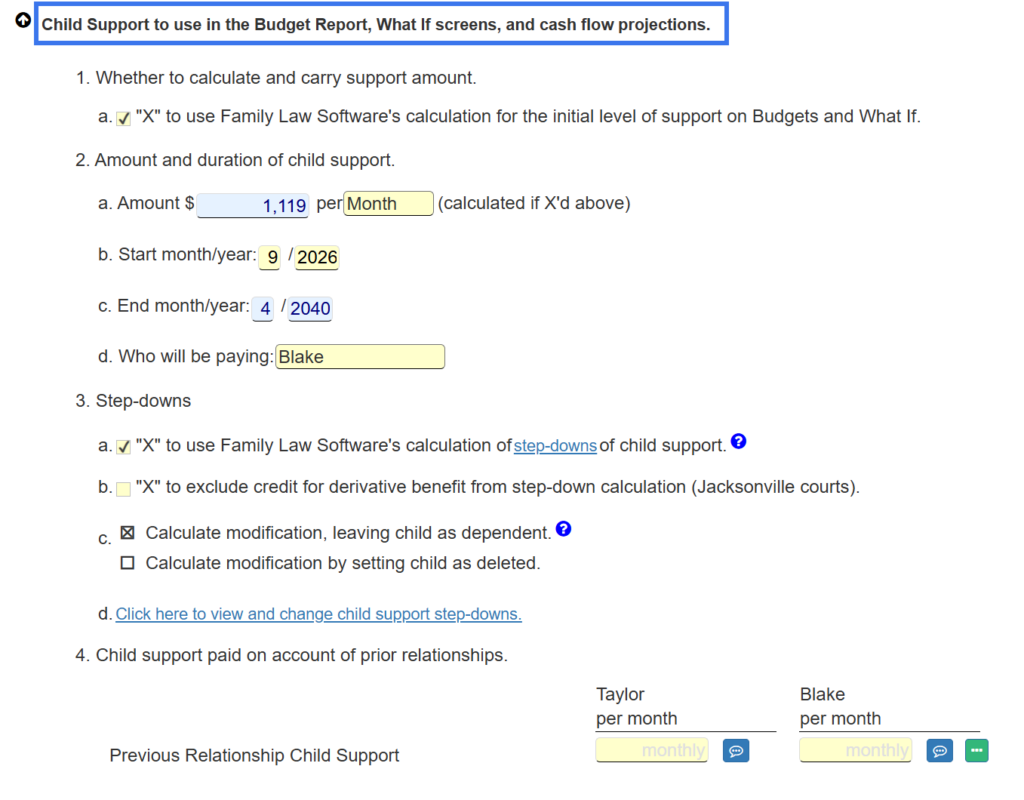
In that section, in subsection “2. Amount and duration of Support,” (which you can see in the image above) you can set the start month and year.
You can also confirm that the payer is correct.
The end date is calculated, but you can override that.
Subsection 3 has entries related to the step downs.
Viewing the step-down calculations
Subsection 3 has entries related to the step downs.
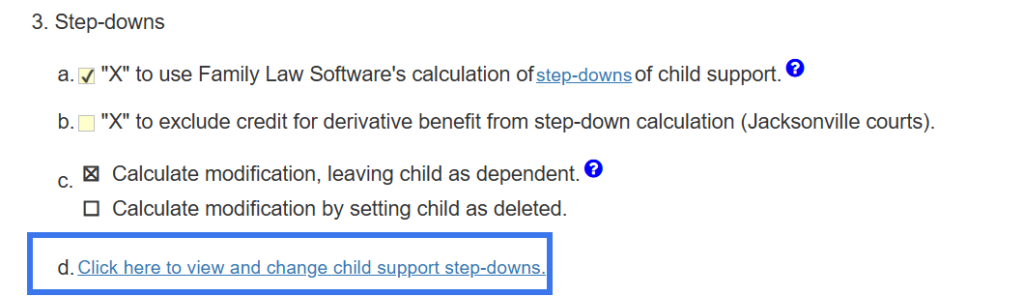
To see the step-downs in detail, click the link at Section 3d, shown below.
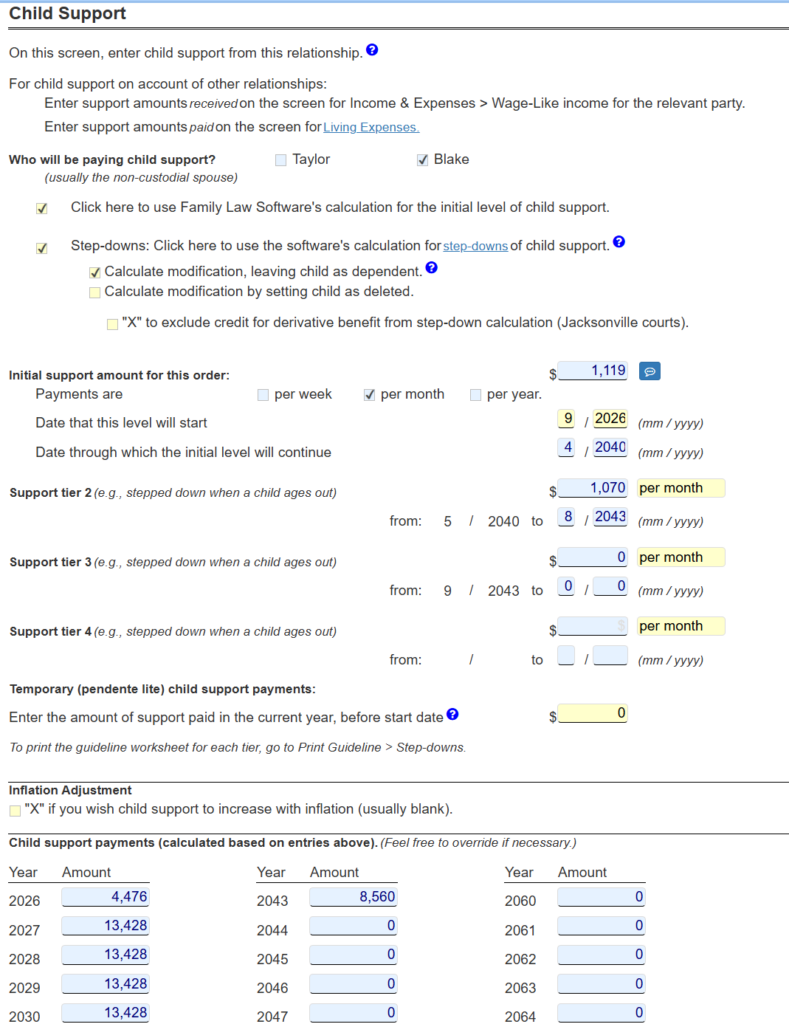
On the screen that appears, you will see the software’s calculation for start and end dates for each successive tier.
At the bottom, you will also see the software’s calculation of the annual amounts to be paid in each year.
Printing the step-downs
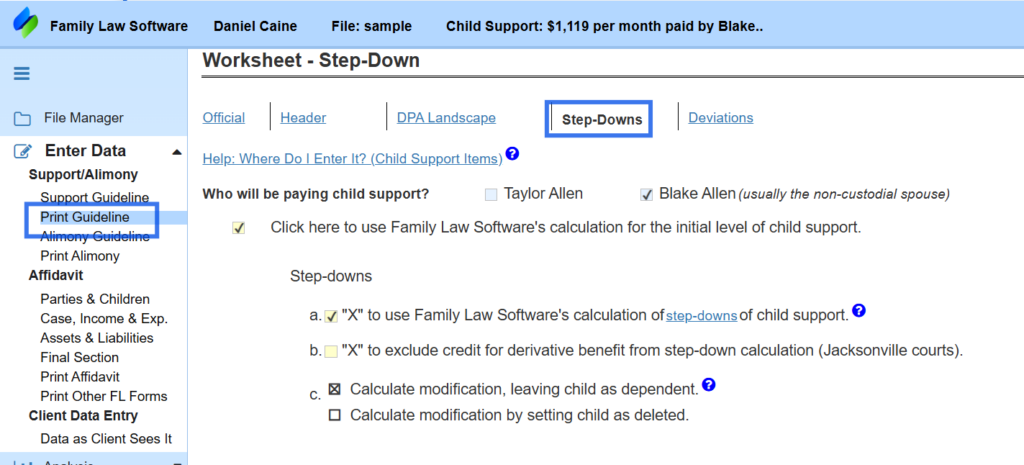
To print the step downs, click Print Guideline > Step-Downs as shown below.